YouTube Subscribe Link Generator
Generate subscribe links for any YouTube channel instantly
What Is the YouTube Subscribe Link Generator & How Does It Work?
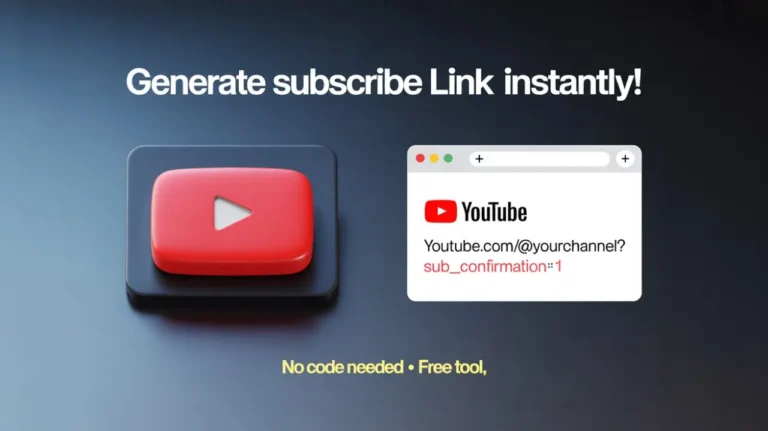
The YouTube Subscribe Link Generator is a simple online tool that converts a normal YouTube channel URL into a special subscribe link.
Normally, a channel link looks like this: https://www.youtube.com/@YourChannel
The tool adds a small parameter to the end of the URL: ?sub_confirmation=1
That extra part tells YouTube to show a subscription confirmation pop-up immediately after someone clicks the link.
There’s no complex setup, no login required, and nothing technical to understand. You paste your channel link, and the tool instantly generates the optimized subscribe link for you.
Features & Benefits of YouTube Subscribe Link Generator
Instant Subscribe Link Generation
No waiting. The link is created immediately after you click generate.
One-Click Copy Button
Easily copy the generated link without selecting text manually.
Quick Link Testing
Open the generated link in one click to verify the subscribe popup works correctly.
QR Code Generation
Automatically create a QR code linked to your subscribe URL. Perfect for posters, business cards, or events.
Download & Print QR Code
Download the QR image or print it directly for offline marketing.
Beginner-Friendly Interface
The layout is clean and distraction-free. Even first-time users can generate a link without instructions.
How to Use the YouTube Subscribe Link Generator
Paste Your YouTube Channel URL
Copy your channel URL (for example: https://www.youtube.com/@TechToolsy) and paste it into the input field.
Click “Generate Subscribe Link”
The tool instantly creates your custom subscribe link.
Copy, Open, or Share
Now you can copy the link, open the link to test it, generate and download a QR code, and print the QR code for offline promotion.
Who Should Use This Tool?
This tool is helpful for:
- YouTubers promoting their channel
- Bloggers adding YouTube CTAs to articles
- Social media managers
- Small business owners using YouTube for marketing
- Event speakers displaying QR codes on slides
- Anyone who wants more subscribers with fewer steps
I’ve personally found it especially useful when adding YouTube links to email signatures and website call-to-action buttons.
What Makes This Tool Different
What makes the YouTube Subscribe Link Generator different on Tech Toolsy:
- It works with modern @handle URLs
- It reduces formatting errors
- It includes built-in QR code creation
- It allows instant testing before sharing
Instead of editing links manually each time, this tool ensures accuracy in seconds.
Privacy & Safety
🔒 No login or account required.
💾 No channel data is stored.
🔗 The tool only modifies your URL - nothing else.
Helpful FAQs
No. It shows a confirmation popup. Users must still click "Subscribe." This keeps it compliant with YouTube’s rules.
Yes. It works with standard URLs, custom URLs, and modern @handle-based links.
Yes. You can share it anywhere clickable links are allowed, including social bios, emails, and websites.
Yes. As long as your channel exists, the QR code will always direct users to your subscribe link.
No. If you can copy and paste a link, you can use this tool.