Word Cloud Generator
Drag Words
What Is a Word Cloud Generator & How Does It Work?
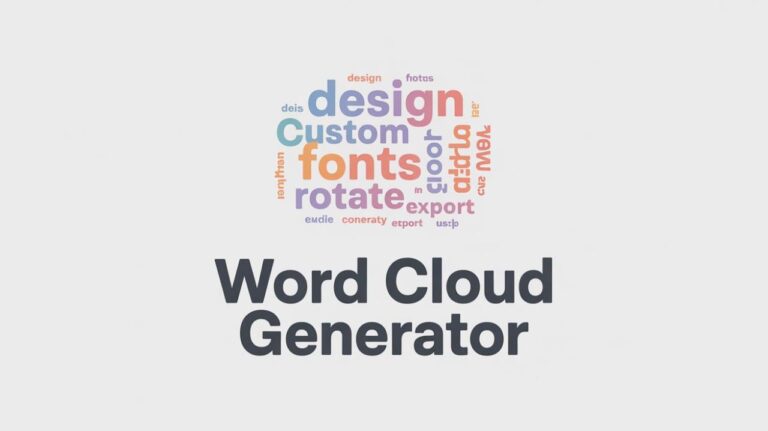
A Word Cloud Generator is a tool that converts text into a visual layout of words. The words that appear more frequently in your text are shown larger, while less common words appear smaller.
Here’s how it works in simple terms:
- You paste your text into the input box.
- The tool counts how often each word appears.
- It visually arranges those words based on frequency.
- You can customize font, rotation, and layout.
- Then you download the final design as an image.
There’s no technical setup. You don’t need design skills. Just paste your text and click generate.
Features & Benefits Of Word Cloud Generator
Instant Word Visualization
The tool immediately transforms long text into a clear visual summary.
Control Maximum Words
Set the number of words displayed (like 50). This helps remove clutter and keeps the cloud clean.
Font Selection
Choose a modern, clean font that works well for presentations, blogs, and reports.
Rotation Control
Adjust rotation or enable rotated words to create a more dynamic layout.
Drag & Reposition Words
You can manually drag words to adjust placement.
Multiple Export Options
Download in SVG, PNG and JPG for quick sharing and presentations.
How to Use the Word Cloud Generator?
Enter Your Text
You can type your text, paste content from places like social media, reviews, essays, transcripts, surveys, emails, or YouTube comments.
Customize Your Settings
Choose the maximum number of words, select your font, adjust rotation, and enable options such as Rotate Words.
Generate and Download
Click “Generate Word Cloud.” Download it as SVG, PNG, or JPG. You can also use “Randomize” to instantly reshuffle the layout.
Who Should Use This Tool?
This Word Cloud Generator is helpful for:
- Bloggers & content writers analyzing keyword focus
- Students summarizing essays or research papers
- Teachers creating classroom visuals
- Marketers visualizing customer feedback
- Business professionals summarizing meeting notes
I’ve personally found it useful when reviewing older articles. It quickly shows if I’ve overused certain words without manually scanning everything.
What Makes This Tool Different
There are many word cloud tools online, but most are either cluttered, limited, or confusing. Here’s what makes this one practical:
- Clean interface with no unnecessary distractions
- Immediate preview with a sample word cloud already loaded
- Manual drag feature (many tools don’t offer this)
- Multiple export formats, including SVG
- Fast generation without complicated settings
It focuses on doing one job well: turning text into a clear, usable visual.
Privacy & Safety
🔒No account required
🛡️Text stays in your browser
🚫No hidden tracking
Helpful FAQs
You can use essays, blog posts, speeches, feedback responses, meeting notes, or any block of text.
The tool increases the size of words that appear more frequently in your text.
- Use SVG for high-quality design editing.
- Use PNG for websites.
- Use JPG for presentations.
Yes. Enable the “Drag Words” option and reposition them as needed.
It focuses on frequency. If needed, you can manually edit your text before generating the cloud.